
Advanced inventory
Manage FIFO costing, bin locations, lot-number reporting, barcode workflows, and pick, pack, and ship processes.
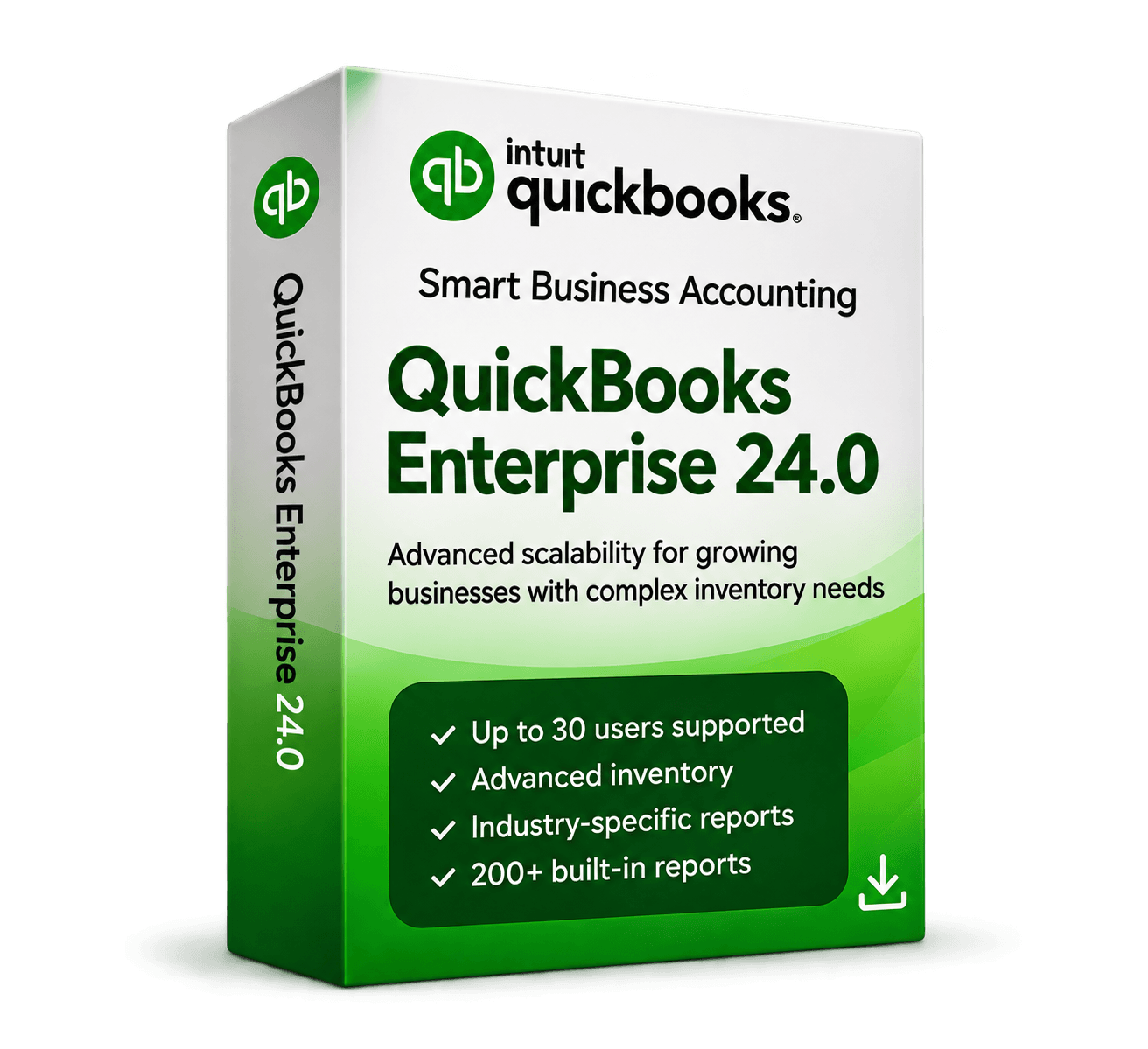
MivexKeys product artwork 1 / 4
Check your region, company file, and setup with our team.
Get help choosingAdvanced desktop accounting for growing businesses, with inventory, reporting, and multi-user workflows.
Secure checkout. Final price confirmed before payment.
A powerful, multi-user accounting solution built for growing businesses that need advanced inventory management, in-depth reporting, and a scalable desktop solution.
Manage FIFO costing, bin locations, lot-number reporting, barcode workflows, and pick, pack, and ship processes.
Build customizable financial, tax, job-costing, and profitability reports, including consolidated reporting across company files.
Enterprise is designed for substantially larger customer, vendor, employee, and inventory lists than Pro.
Role-based permissions support larger teams while keeping sensitive financial areas controlled.
Track deposits against sales orders and estimates, then apply them when the transaction becomes an invoice.
Define pricing rules by item, customer, vendor, or category for more consistent margin control.
Compare estimates, time, expenses, and budgets to monitor project profitability.
Prepare professional invoices and send batches to multiple customers more efficiently.
Enterprise includes capabilities designed for inventory-heavy and specialized business operations.
Supported third-party integrations can connect accounting workflows with other business systems.
Check your setup for the USA Enterprise 24.0 package before ordering.
Requirements reflect the saved product content. Ask support to confirm compatibility with your current setup.
QuickBooks Desktop Enterprise Solutions 24.0 · 1 user · USA
Software and license details for the selected package
Digital delivery information and setup instructions
MivexKeys support for your purchase
License terms in the archived store records are pending verification. Subscription, renewal, and service entitlements must be confirmed before this preview is released.
Pro covers everyday business accounting on Windows. Enterprise adds tools for more complex inventory, reporting, and team workflows. Mac 2024 is designed for macOS. Compare editions and check the requirements for your selected package.
Choose the region that matches your business and company file. The Windows listings offer USA and Canada options. The current Mac listings are USA only. Region and user count stay visible in your selected package.
MivexKeys delivers software and license information digitally by email after fulfillment. See the delivery policy for the process and contact support if you need help with an order.
Compatibility depends on the version, edition, and region of your existing file. Back up your file and ask support to check your requirements before selecting an edition.
Explore the tools in your selected edition.
Manage FIFO costing, bin locations, lot-number reporting, barcode workflows, and pick, pack, and ship processes.
Work together with your selected user package.
Build customizable financial, tax, job-costing, and profitability reports, including consolidated reporting across company files.
Detailed reports and customizable insights.
Enterprise is designed for substantially larger customer, vendor, employee, and inventory lists than Pro.
Track, manage, and optimize inventory.
Role-based permissions support larger teams while keeping sensitive financial areas controlled.
Flexible tools for growing businesses.
The essentials for your selected QuickBooks package.
For your selected edition, region, and user count.
Software and license information by email.
Follow the guidance supplied with your order.
Contact MivexKeys for help with your purchase.
Select your edition, region, and number of users.
Review your order before continuing to our payment partner.
Order and delivery information arrives by email after fulfillment.
Follow the supplied instructions for your selected edition.
Review compatibility and installation information for Enterprise 24.0, USA.
Ask about compatibilitySaved product requirements. Confirm compatibility with your current setup before ordering.
Delivery follows order fulfillment. Review your selected package, then enter your email on Stripe Checkout. See our delivery policy for details.
Start with your operating system, then choose the tools and user options that fit your business.
 WindowsUSA & Canada editions
Everyday business accounting
 WindowsUSA & Canada editions
Growing teams & inventory
 macOSUSA edition
Businesses that work on Mac
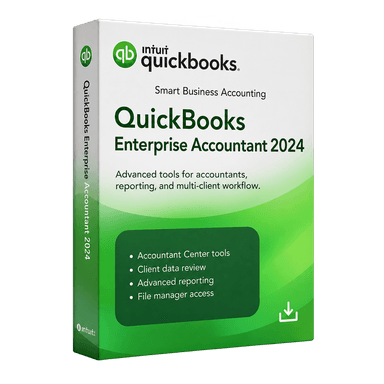 WindowsAccountant edition
Accounting professionals and firms
See what customers say about choosing, receiving, and using their QuickBooks edition.
We've been looking at accounting solutions that can support a larger team. Enterprise has the user options and advanced features we were searching for. The reporting capabilities are especially appealing.
Enterprise offers a lot of functionality, particularly for businesses with more complicated accounting needs. Some features take time to learn, but the inventory management and financial reports look promising.
The reporting options are what stood out to me. Being able to look at expenses, sales, and inventory together makes managing the business a lot easier. Very useful for a growing team.
We needed something more advanced than basic bookkeeping, especially for inventory and reporting. Enterprise has the kind of tools our business needs as we grow. Really like how everything is organized.
Good questions. Straightforward answers.
License term and renewal details for the selected Enterprise package are being verified for this local preview. Ask our team to confirm them before ordering.
Choose from the available user counts shown above. The selected package and price update when you choose a different count.
Review the saved system requirements and confirm your Windows version, company file, and installation needs with support before ordering.
Software and license details are delivered by email after order fulfillment. Review the delivery policy for more information.
Our support team can help with setup questions for the selected edition. Contact us with your version, region, and any error message.
Still have a question? Talk to our team
Explore other QuickBooks Desktop editions.
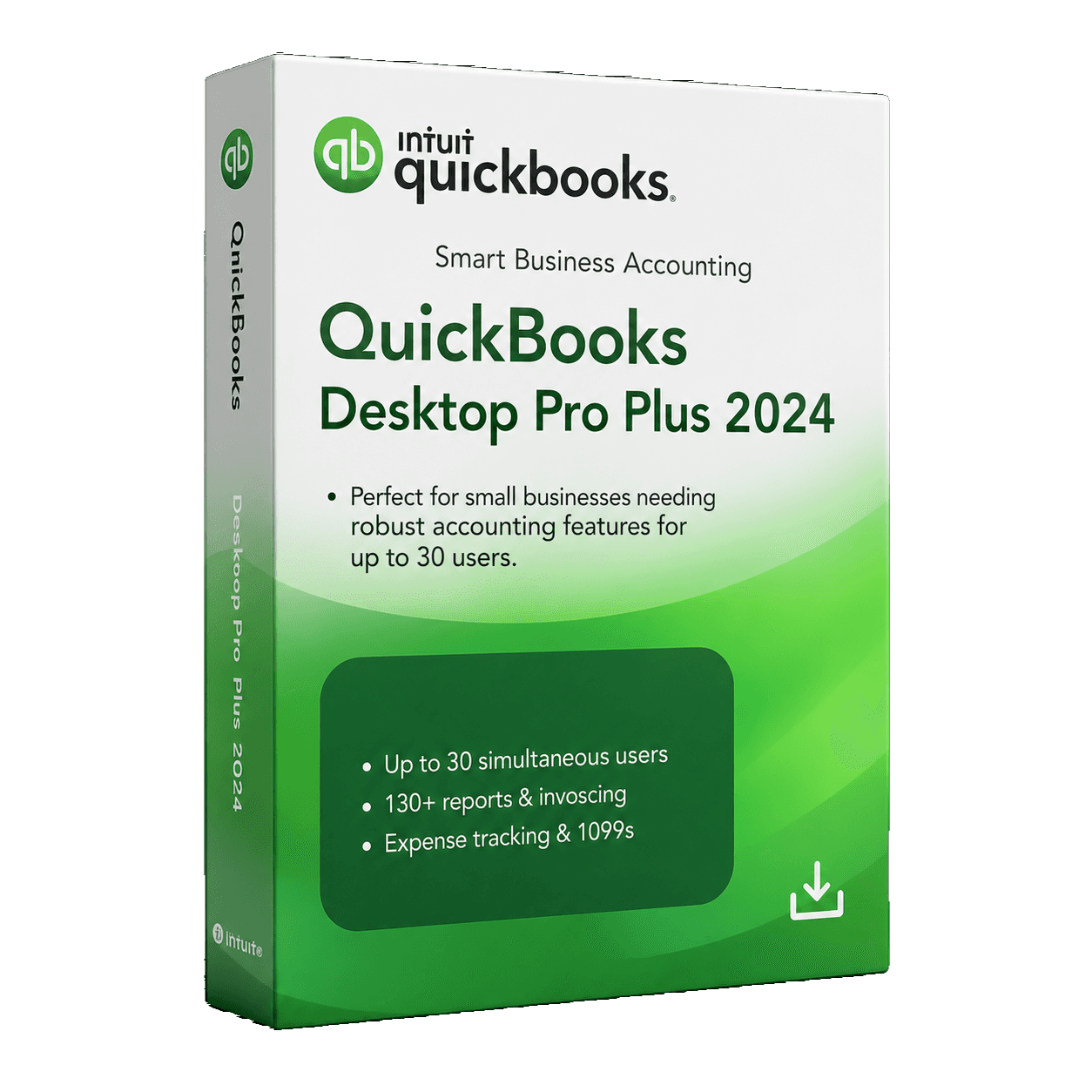
The everyday essentials for invoices, expenses, and business reporting.
Powerful accounting for small and growing businesses.
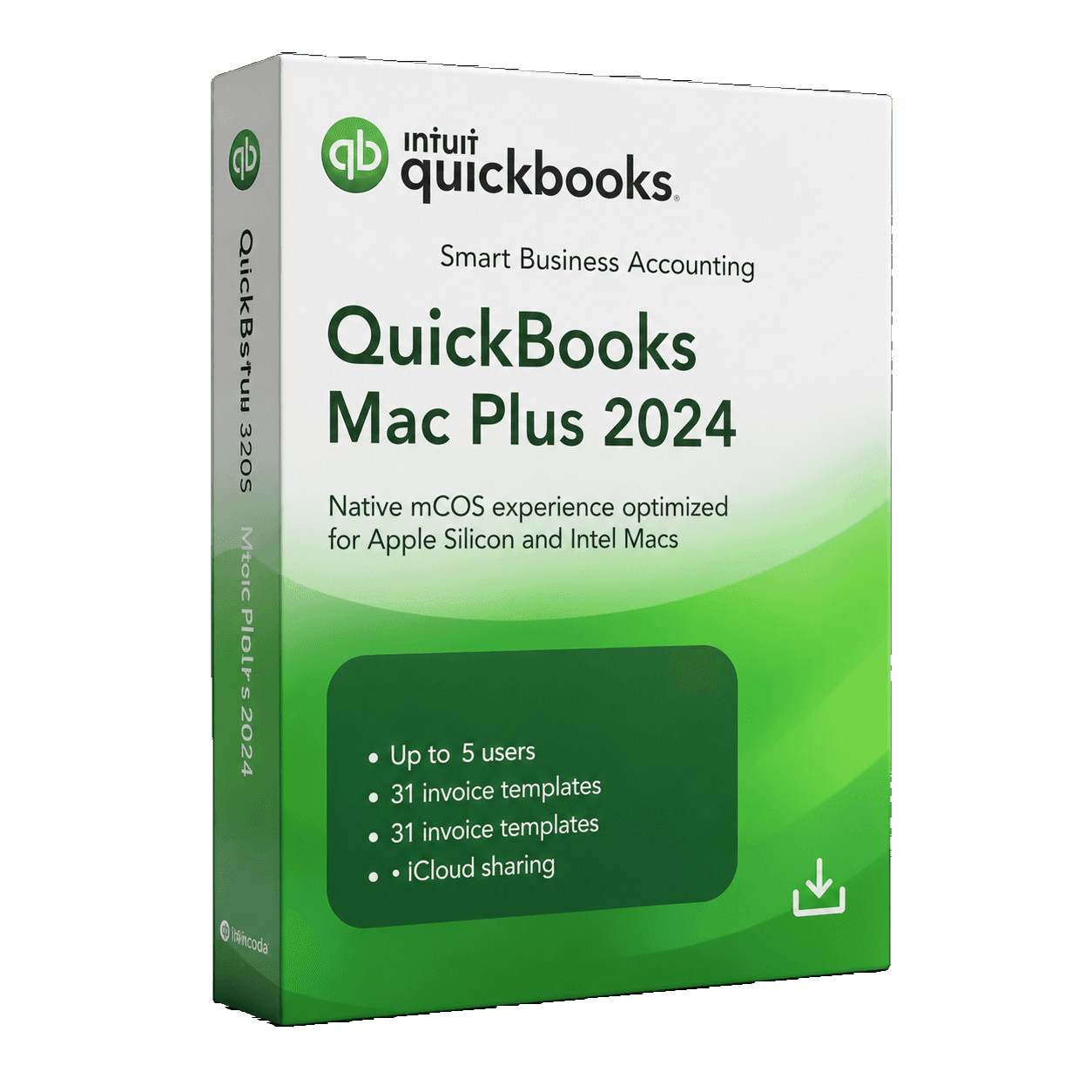
Keep your business finances organized in an edition made for Mac.
Reliable accounting built for macOS users.
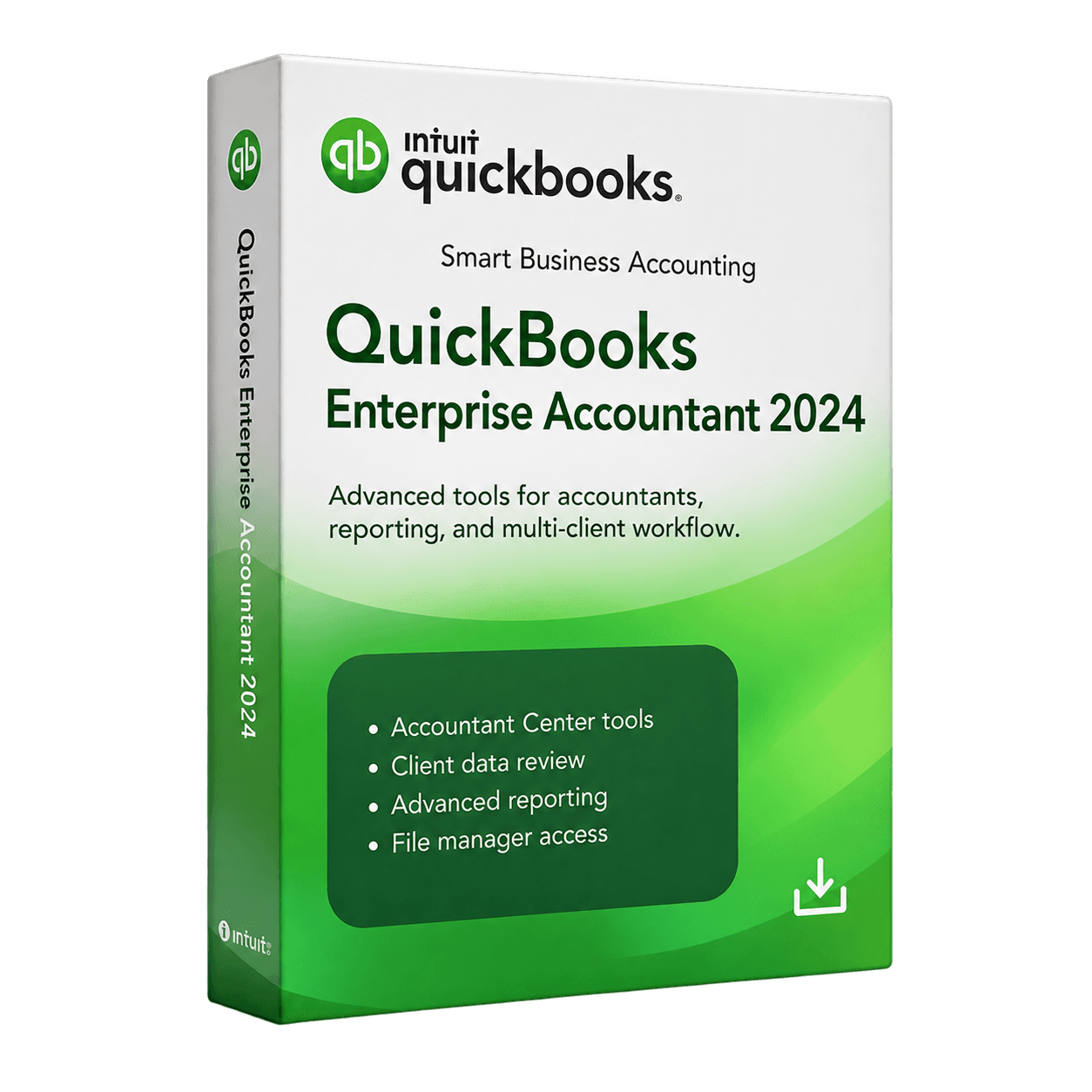
QuickBooks Desktop Enterprise Accountant 2024 provides advanced desktop accounting and client-management tools for accounting professionals and firms working with complex financial records.
QuickBooks Desktop Enterprise Accountant 2024 provides advanced desktop accounting and client-management tools for accounting professionals and firms working with complex financial records.
MivexKeys is an independent store. Product names and trademarks belong to their respective owners. Illustrative workflow artwork is not a QuickBooks software screenshot.
