
Invoicing and sales tracking
Create estimates, invoices, and sales receipts while tracking customer balances and payment status.
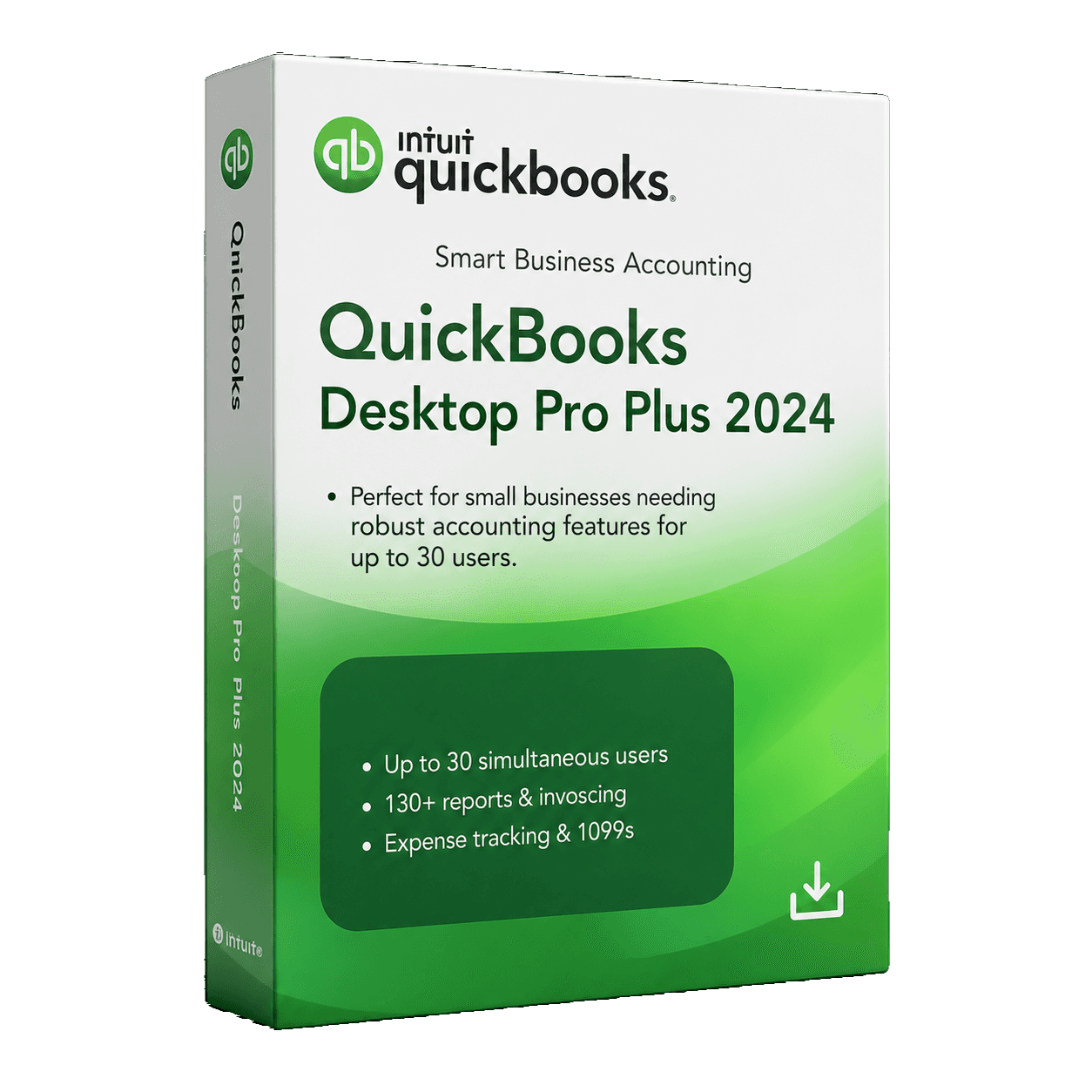
MivexKeys product artwork 1 / 4
Check your region, company file, and setup with our team.
Get help choosingThe everyday essentials for invoices, expenses, and business reporting.
Secure checkout. Final price confirmed before payment.
The everyday essentials for invoices, expenses, and business reporting.
Create estimates, invoices, and sales receipts while tracking customer balances and payment status.
Organize expenses, bills, purchase orders, and vendor payments from one desktop accounting workspace.
Match downloaded transactions and reconcile accounts to keep books accurate and current.
Review profit and loss, balance sheet, cash flow, and other core financial reports.
Set up and track sales tax within day-to-day customer transactions.
Monitor unpaid invoices, customer balances, upcoming bills, and vendor obligations.
Keep receipt records organized alongside expenses to reduce paperwork and simplify review.
The 2024 release adds AES-256 encryption for locally stored company data.
Check your setup for the USA Pro 2024 package before ordering.
Requirements reflect the saved product content. Ask support to confirm compatibility with your current setup.
QuickBooks Desktop Pro 2024 · 30 users · USA
Software and license details for the selected package
Digital delivery information and setup instructions
MivexKeys support for your purchase
License terms in the archived store records are pending verification. Subscription, renewal, and service entitlements must be confirmed before this preview is released.
Pro covers everyday business accounting on Windows. Enterprise adds tools for more complex inventory, reporting, and team workflows. Mac 2024 is designed for macOS. Compare editions and check the requirements for your selected package.
Choose the region that matches your business and company file. The Windows listings offer USA and Canada options. The current Mac listings are USA only. Region and user count stay visible in your selected package.
MivexKeys delivers software and license information digitally by email after fulfillment. See the delivery policy for the process and contact support if you need help with an order.
Compatibility depends on the version, edition, and region of your existing file. Back up your file and ask support to check your requirements before selecting an edition.
Explore the tools in your selected edition.
Create estimates, invoices, and sales receipts while tracking customer balances and payment status.
Organize expenses, bills, purchase orders, and vendor payments from one desktop accounting workspace.
Match downloaded transactions and reconcile accounts to keep books accurate and current.
Review profit and loss, balance sheet, cash flow, and other core financial reports.
The essentials for your selected QuickBooks package.
For your selected edition, region, and user count.
Software and license information by email.
Follow the guidance supplied with your order.
Contact MivexKeys for help with your purchase.
Select your edition, region, and number of users.
Review your order before continuing to our payment partner.
Order and delivery information arrives by email after fulfillment.
Follow the supplied instructions for your selected edition.
Review compatibility and installation information for Pro 2024, USA.
Ask about compatibilitySaved product requirements. Confirm compatibility with your current setup before ordering.
Delivery follows order fulfillment. Review your selected package, then enter your email on Stripe Checkout. See our delivery policy for details.
Start with your operating system, then choose the tools and user options that fit your business.
 WindowsUSA & Canada editions
Everyday business accounting
 WindowsUSA & Canada editions
Growing teams & inventory
 macOSUSA edition
Businesses that work on Mac
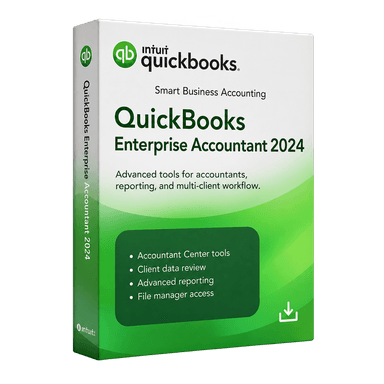 WindowsAccountant edition
Accounting professionals and firms
See what customers say about choosing, receiving, and using their QuickBooks edition.
I was looking for a desktop accounting solution that could handle invoicing, expenses, and basic financial reports in one place. QuickBooks Pro 2024 covers those needs well. I especially like being able to review outstanding invoices and track business expenses without switching between different tools.
I've found QuickBooks Pro 2024 useful for handling invoices, bills, and general bookkeeping. There are quite a few features to get familiar with at first, but the software makes it easier to keep financial records organized once you understand the basics.
QuickBooks Pro 2024 has the tools I need to manage my daily accounting without making things complicated. Creating invoices, tracking expenses, and keeping customer payments organized is straightforward. The financial reports are also helpful for seeing how the business is doing.
Good questions. Straightforward answers.
Pro covers everyday business accounting on Windows. Enterprise adds tools for more complex inventory, reporting, and team workflows. Mac 2024 is designed for macOS. Compare editions and check the requirements for your selected package.
Choose the region that matches your business and company file. The Windows listings offer USA and Canada options. The current Mac listings are USA only. Region and user count stay visible in your selected package.
MivexKeys delivers software and license information digitally by email after fulfillment. See the delivery policy for the process and contact support if you need help with an order.
Compatibility depends on the version, edition, and region of your existing file. Back up your file and ask support to check your requirements before selecting an edition.
These are QuickBooks Desktop listings. They are separate from QuickBooks Online. Review the system requirements and package details for the edition you choose.
Use the support center or contact page to ask about edition, region, compatibility, or user options. Include your operating system and current QuickBooks version so the team can help.
Still have a question? Talk to our team
Explore other QuickBooks Desktop editions.
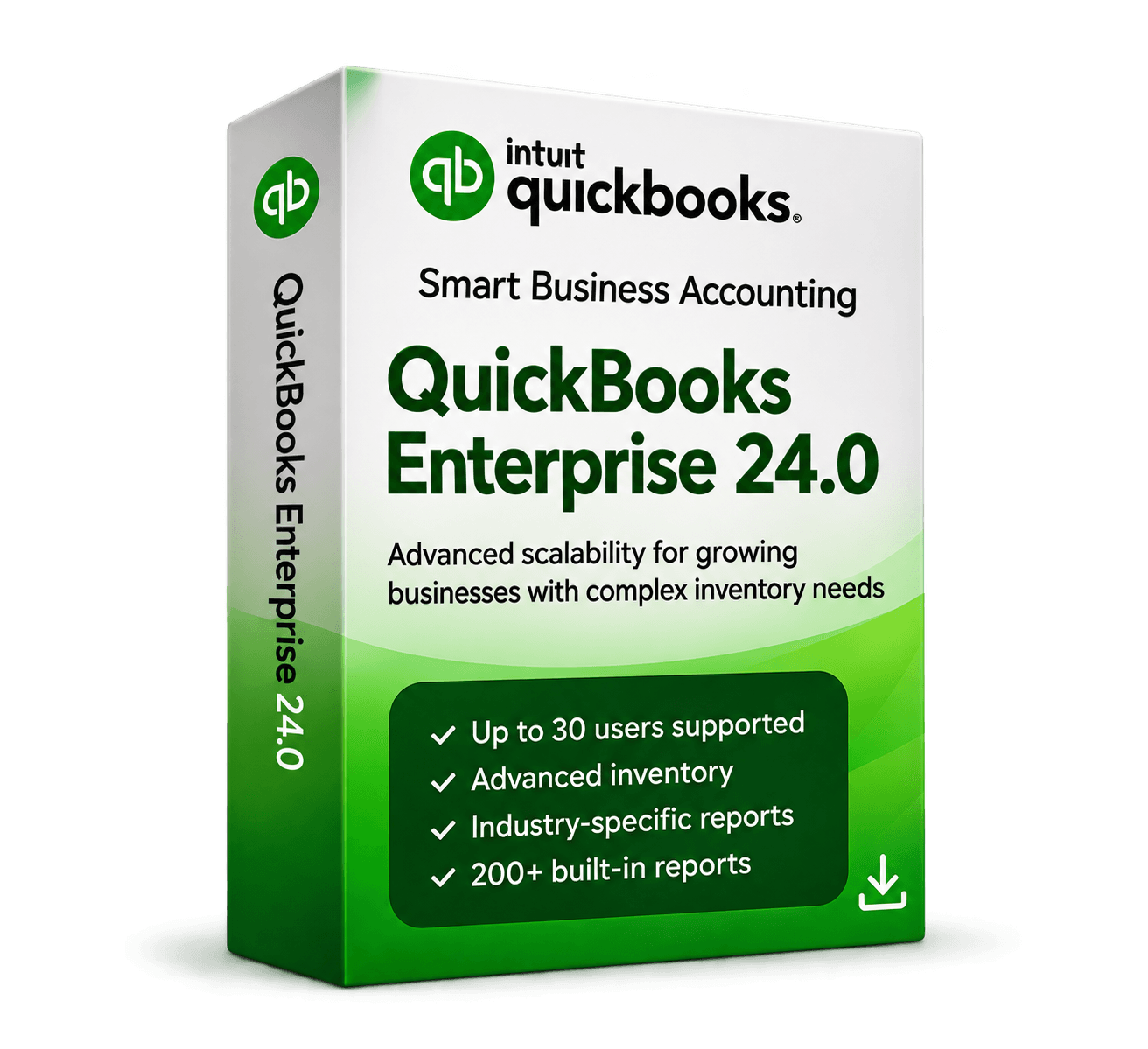
More control for growing teams, with advanced inventory, reporting, and multi-user workflows.
Advanced tools for larger and multi-user businesses.
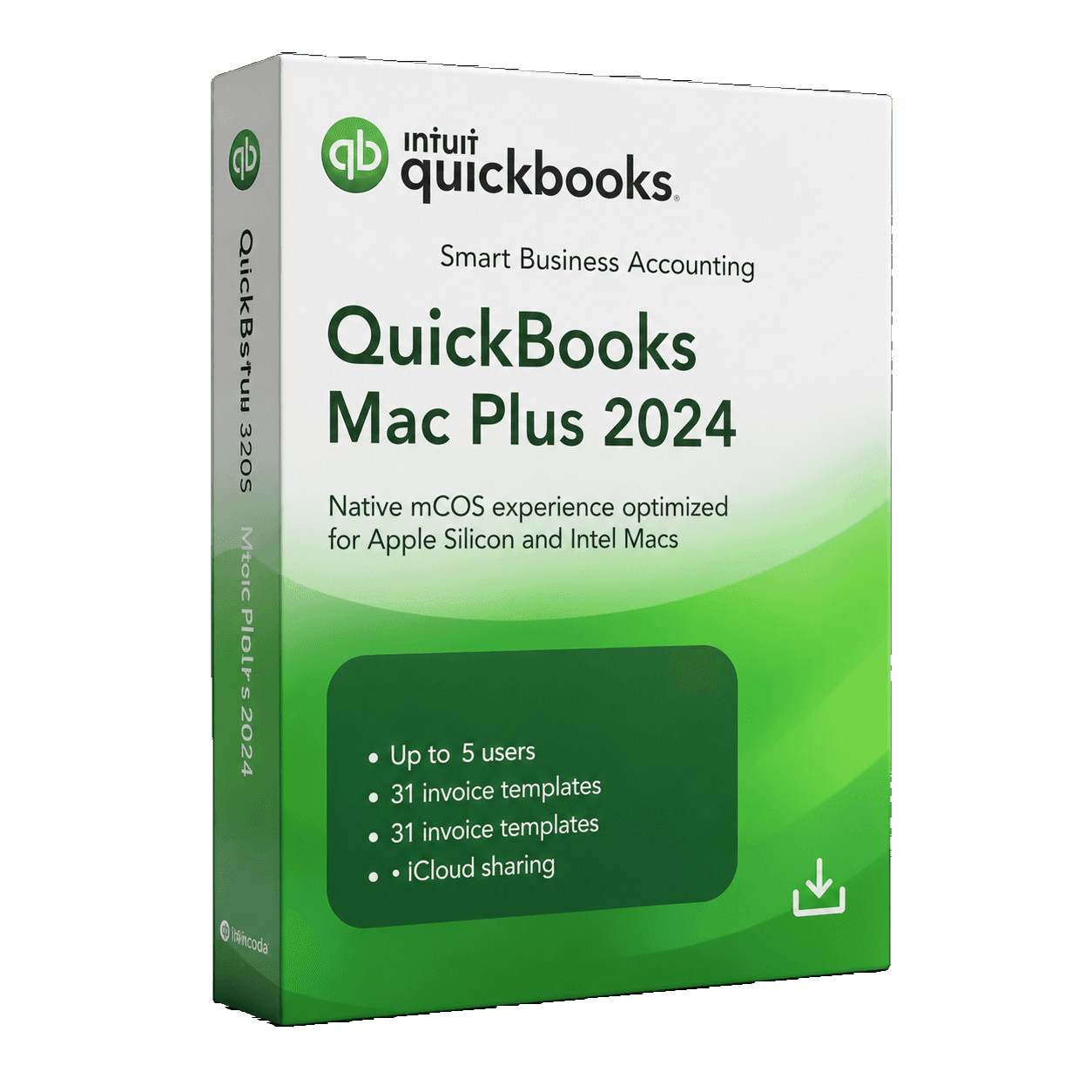
Keep your business finances organized in an edition made for Mac.
Reliable accounting built for macOS users.
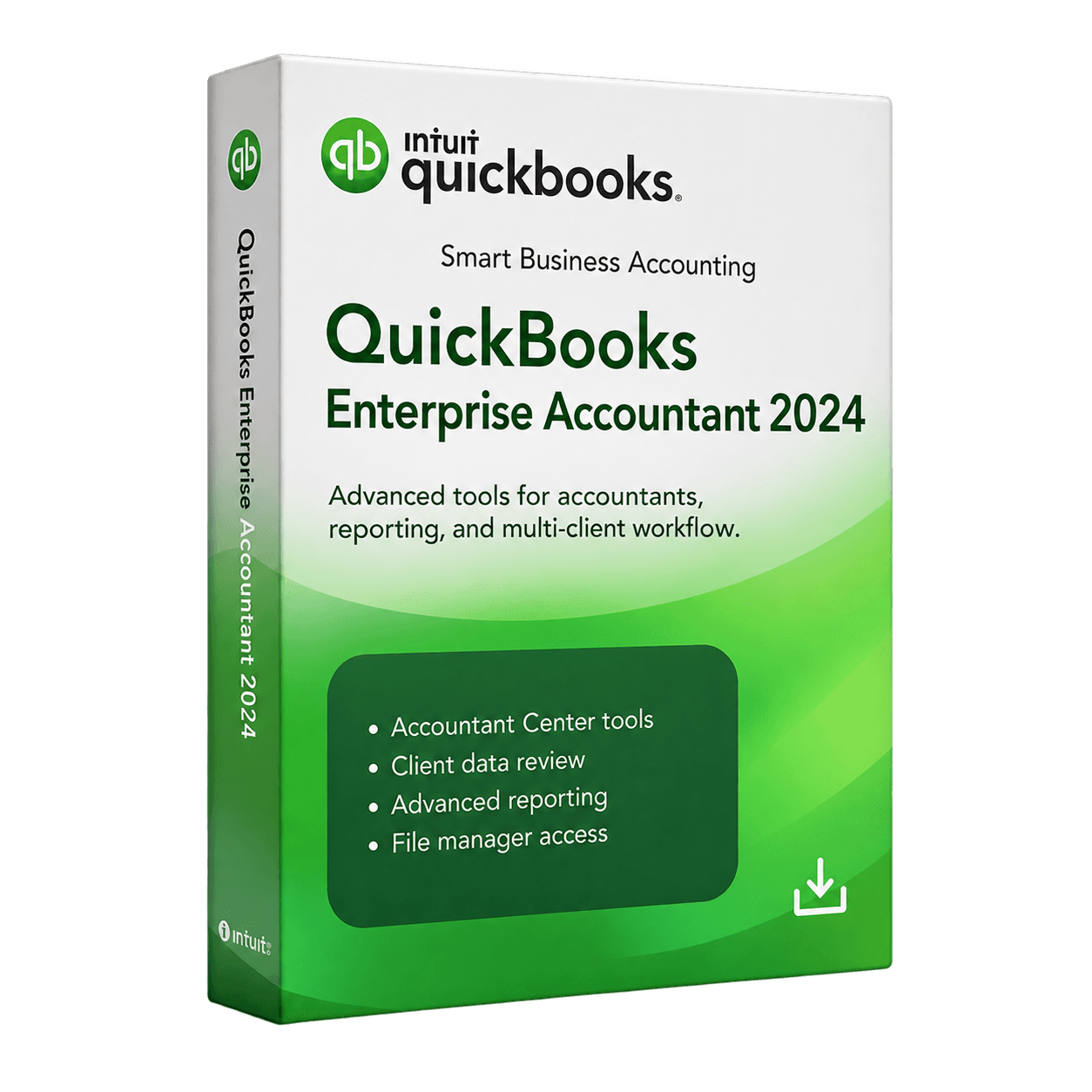
QuickBooks Desktop Enterprise Accountant 2024 provides advanced desktop accounting and client-management tools for accounting professionals and firms working with complex financial records.
QuickBooks Desktop Enterprise Accountant 2024 provides advanced desktop accounting and client-management tools for accounting professionals and firms working with complex financial records.
MivexKeys is an independent store. Product names and trademarks belong to their respective owners. Illustrative workflow artwork is not a QuickBooks software screenshot.
