
Client Data Review
Review client records, reclassify transactions and address bookkeeping issues as part of an accounting cleanup workflow.
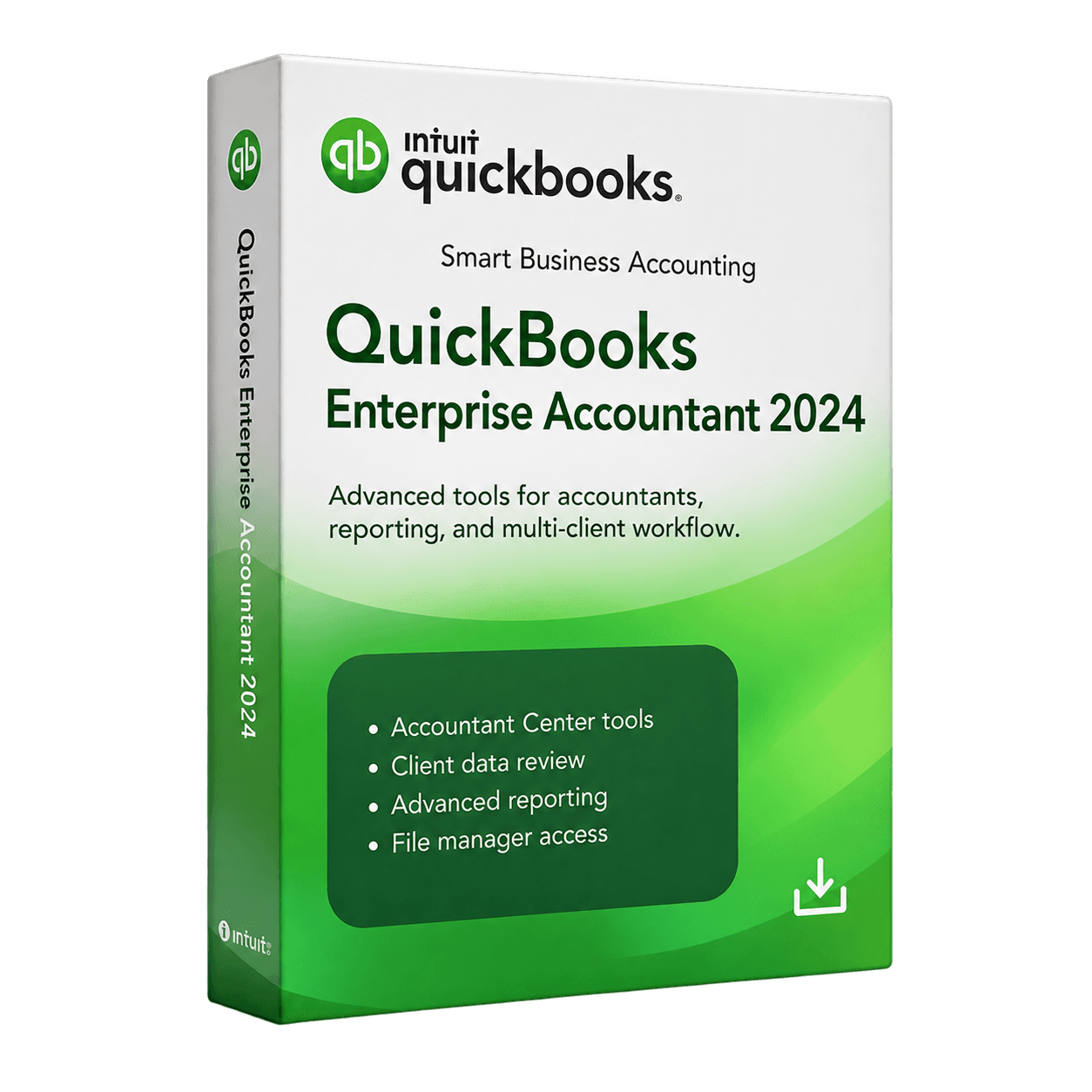
MivexKeys product artwork 1 / 1
Check your region, company file, and setup with our team.
Get help choosingQuickBooks Desktop Enterprise Accountant 2024 provides advanced desktop accounting and client-management tools for accounting professionals and firms working with complex financial records.
Secure checkout. Final price confirmed before payment.
QuickBooks Desktop Enterprise Accountant 2024 brings client file review, accounting adjustments, reporting and Enterprise workflows into a Windows desktop application for professional accountants. Organize multiple company files, correct transactions, prepare journal entries and review financial performance. Available tools depend on the supplied licence and the client file. Optional services, payroll, hosting, Advanced Inventory and other paid add-ons are not included unless the specific entitlement confirms them. Licence duration, activation, user limits, updates and connected services depend on the supplied licence terms. Back up a company file before upgrading it: conversion to Enterprise or a newer version may prevent opening it in Pro, Premier or older Enterprise versions.
Review client records, reclassify transactions and address bookkeeping issues as part of an accounting cleanup workflow.
Organize client company files and their versions so files are easier to locate and manage.
Reach frequently used accountant tools and reconciliation work from a central workspace.
Prepare adjusting entries and share eligible journal changes with clients.
Review business and financial reports to support accounting analysis and client advice.
Use core invoicing, expenses and business management features. Inventory capabilities depend on the applicable licence tier.
Work across client company files and coordinate compatible accountant and client workflows.
Check your setup for the Enterprise Accountant 2024 before ordering.
Requirements reflect the saved product content. Ask support to confirm compatibility with your current setup.
QuickBooks Desktop Enterprise Accountant – Lifetime Licence
Software and license details for the selected package
Digital delivery information and setup instructions
MivexKeys support for your purchase
No. Enterprise Accountant 2024 is a Windows desktop product. See the Mac edition for a native macOS option.
Availability depends on the exact licence and any required service subscriptions. Confirm the supplied entitlement before relying on an optional feature.
Conversion to Enterprise or a newer version can prevent older Pro, Premier or Enterprise editions from opening the file. Make a backup first.
This is the store owner’s verified lifetime licence listing. User limits, transfers, updates and online services depend on the supplied entitlement; contact support for details before purchase.
Explore the tools in your selected edition.
Review client records, reclassify transactions and address bookkeeping issues as part of an accounting cleanup workflow.
Organize client company files and their versions so files are easier to locate and manage.
Reach frequently used accountant tools and reconciliation work from a central workspace.
Prepare adjusting entries and share eligible journal changes with clients.
The essentials for your selected QuickBooks package.
For your selected edition, region, and user count.
Software and license information by email.
Follow the guidance supplied with your order.
Contact MivexKeys for help with your purchase.
Select your edition, region, and number of users.
Review your order before continuing to our payment partner.
Order and delivery information arrives by email after fulfillment.
Follow the supplied instructions for your selected edition.
Review compatibility and installation information for Enterprise Accountant 2024.
Ask about compatibilitySaved product requirements. Confirm compatibility with your current setup before ordering.
Delivery follows order fulfillment. Review your selected package, then enter your email on Stripe Checkout. See our delivery policy for details.
Start with your operating system, then choose the tools and user options that fit your business.
 WindowsUSA & Canada editions
Everyday business accounting
 WindowsUSA & Canada editions
Growing teams & inventory
 macOSUSA edition
Businesses that work on Mac
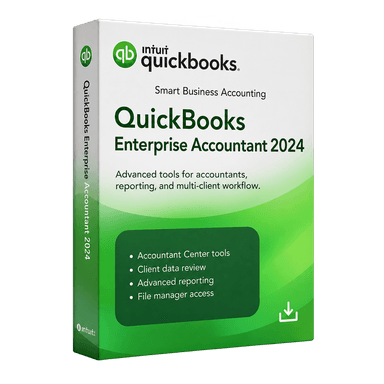 WindowsAccountant edition
Accounting professionals and firms
See what customers say about choosing, receiving, and using their QuickBooks edition.
Genuine customer feedback will appear once reviews are available. Have a question about an order?
Good questions. Straightforward answers.
No. Enterprise Accountant 2024 is a Windows desktop product. See the Mac edition for a native macOS option.
Availability depends on the exact licence and any required service subscriptions. Confirm the supplied entitlement before relying on an optional feature.
Conversion to Enterprise or a newer version can prevent older Pro, Premier or Enterprise editions from opening the file. Make a backup first.
This is the store owner’s verified lifetime licence listing. User limits, transfers, updates and online services depend on the supplied entitlement; contact support for details before purchase.
Still have a question? Talk to our team
Explore other QuickBooks Desktop editions.
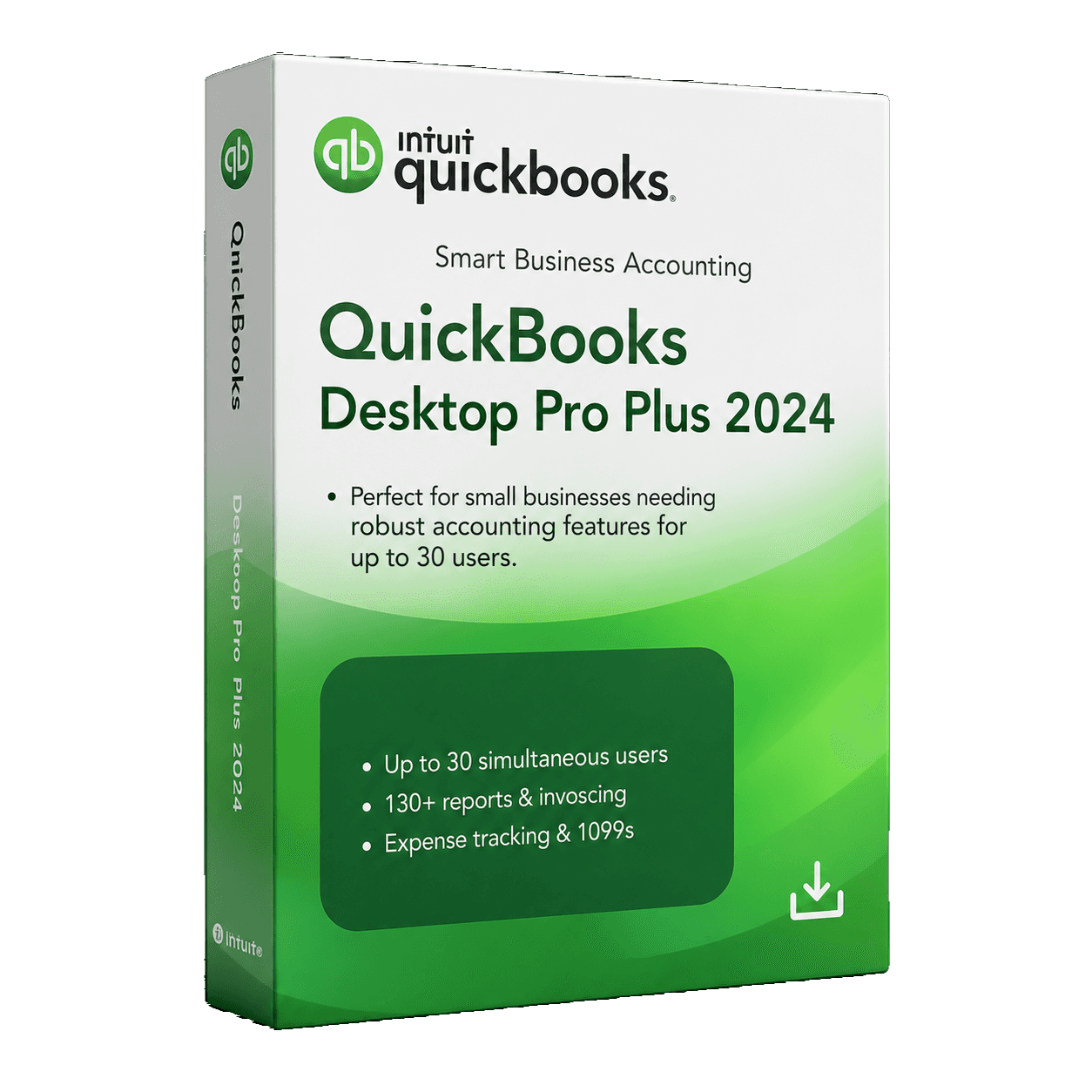
The everyday essentials for invoices, expenses, and business reporting.
Powerful accounting for small and growing businesses.
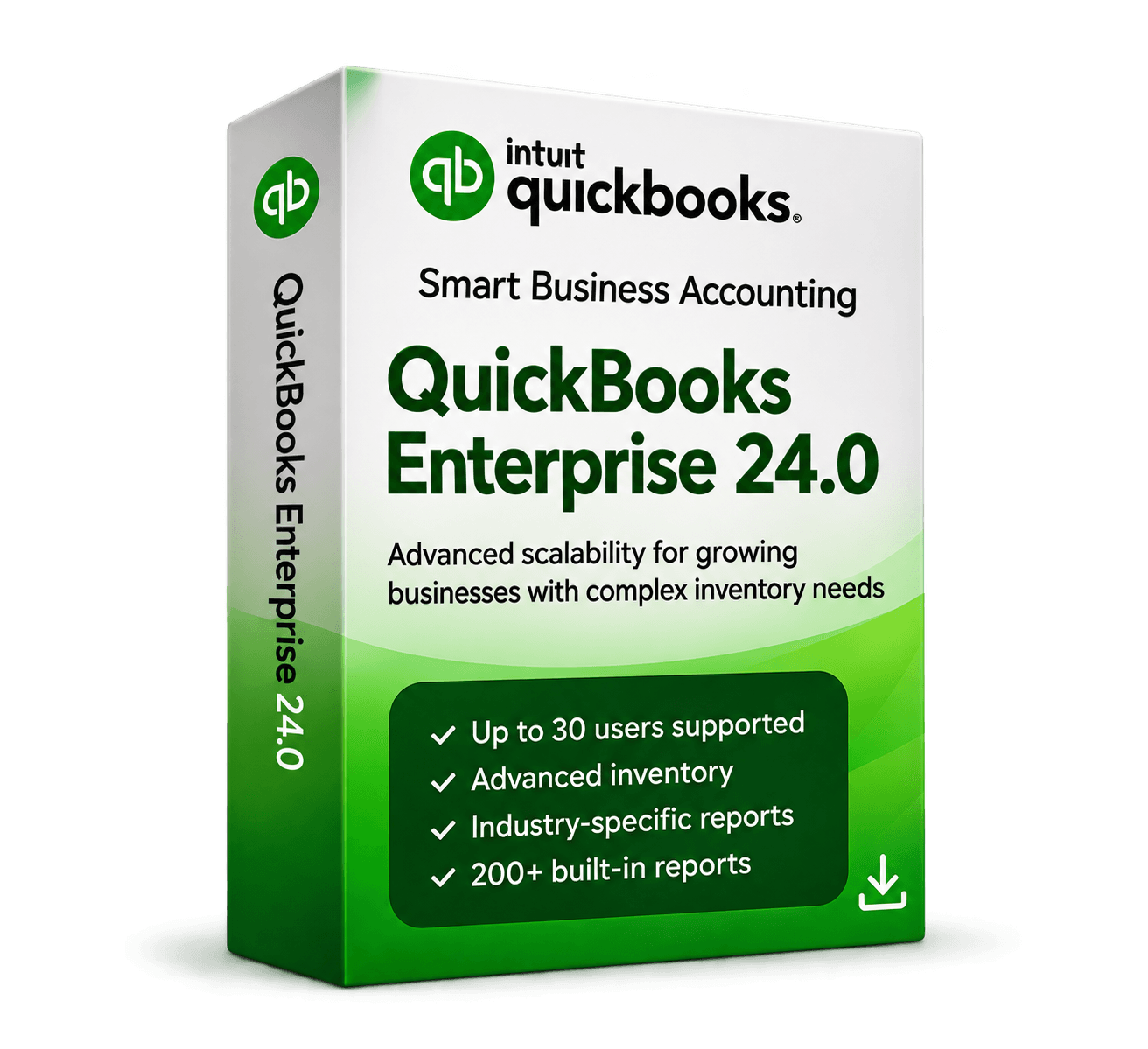
More control for growing teams, with advanced inventory, reporting, and multi-user workflows.
Advanced tools for larger and multi-user businesses.
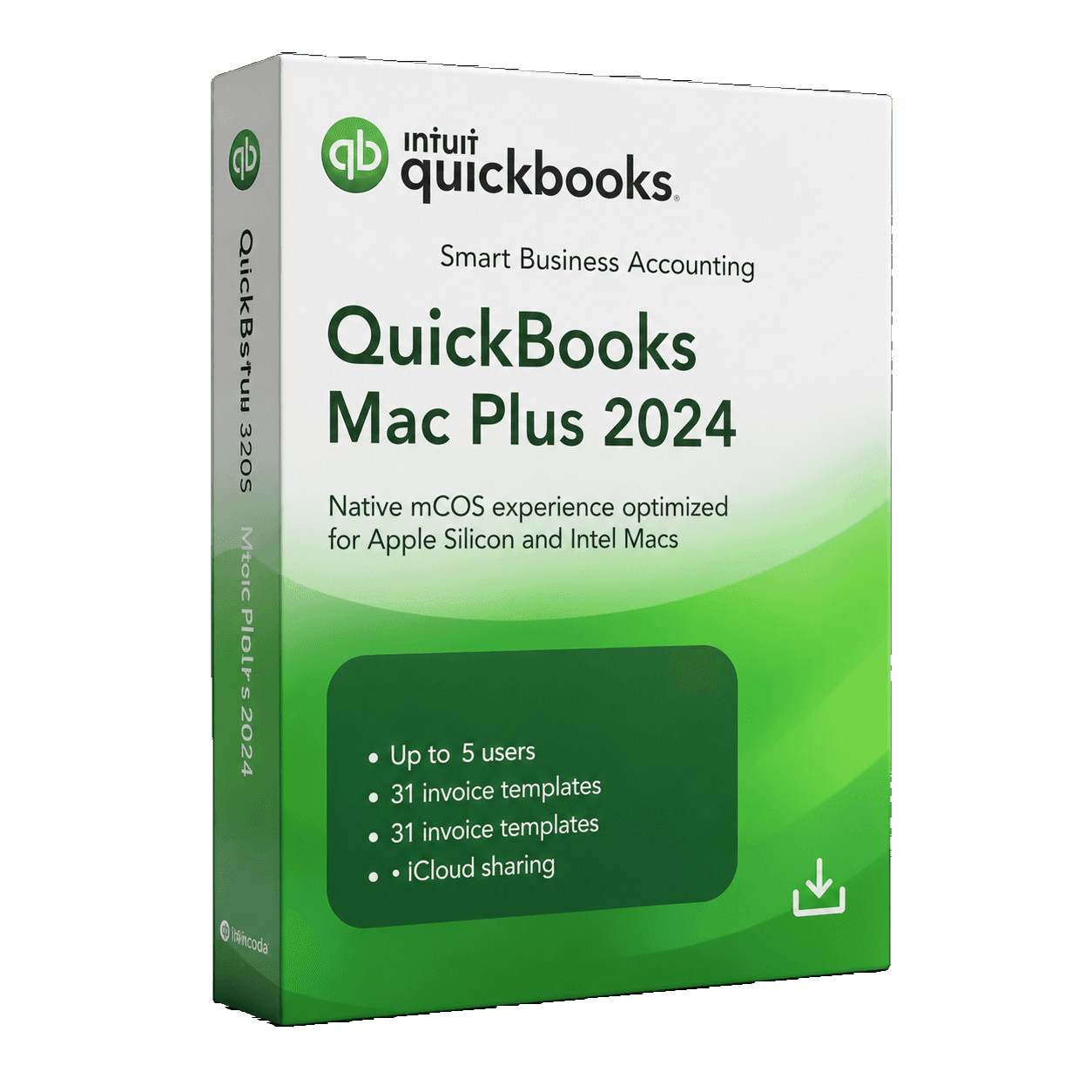
Keep your business finances organized in an edition made for Mac.
Reliable accounting built for macOS users.
MivexKeys is an independent store. Product names and trademarks belong to their respective owners. Illustrative workflow artwork is not a QuickBooks software screenshot.
